Detrend
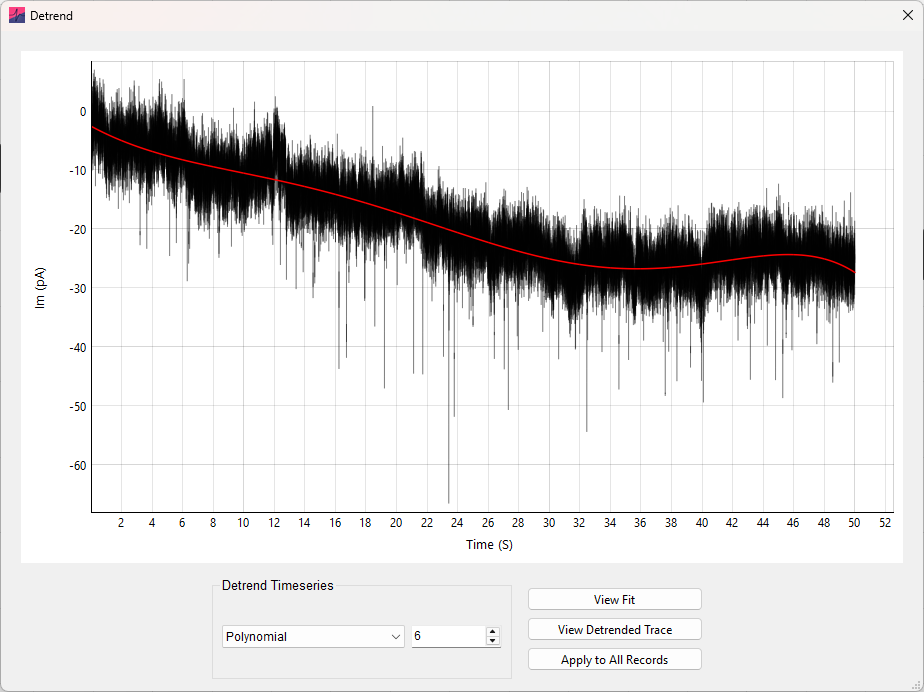
Linear and non-linear drifts can be removed from electrophysiological timeseries by detrending. This is particularly useful for long recordings (e.g. sEPSCs) that show some baseline variability.
An nth order polynomial (up to 20th order) is first fit to and then subtracted from the data (see Polynomials for detrending). In the Detrend analysis window, the type of detrending and polynomial order can be accessed through the drop-down menu and input box respectively. Note that the mean is added back to the data after detrending (to remove the mean, see Remove Baseline).
Clicking View Fit will display the currently selected record overlaid with the fit polynomial in red. Use the View Detrended Trace button to view the currently selected record after detrending (without applying to the data).
Finally, clicking Apply to All Records will detrend all records in the dataset. A polynomial of the order specified will be fit and subtracted (with the mean added back) for every record iteratively. Only the primary data channel will be detrended.