Remove baseline
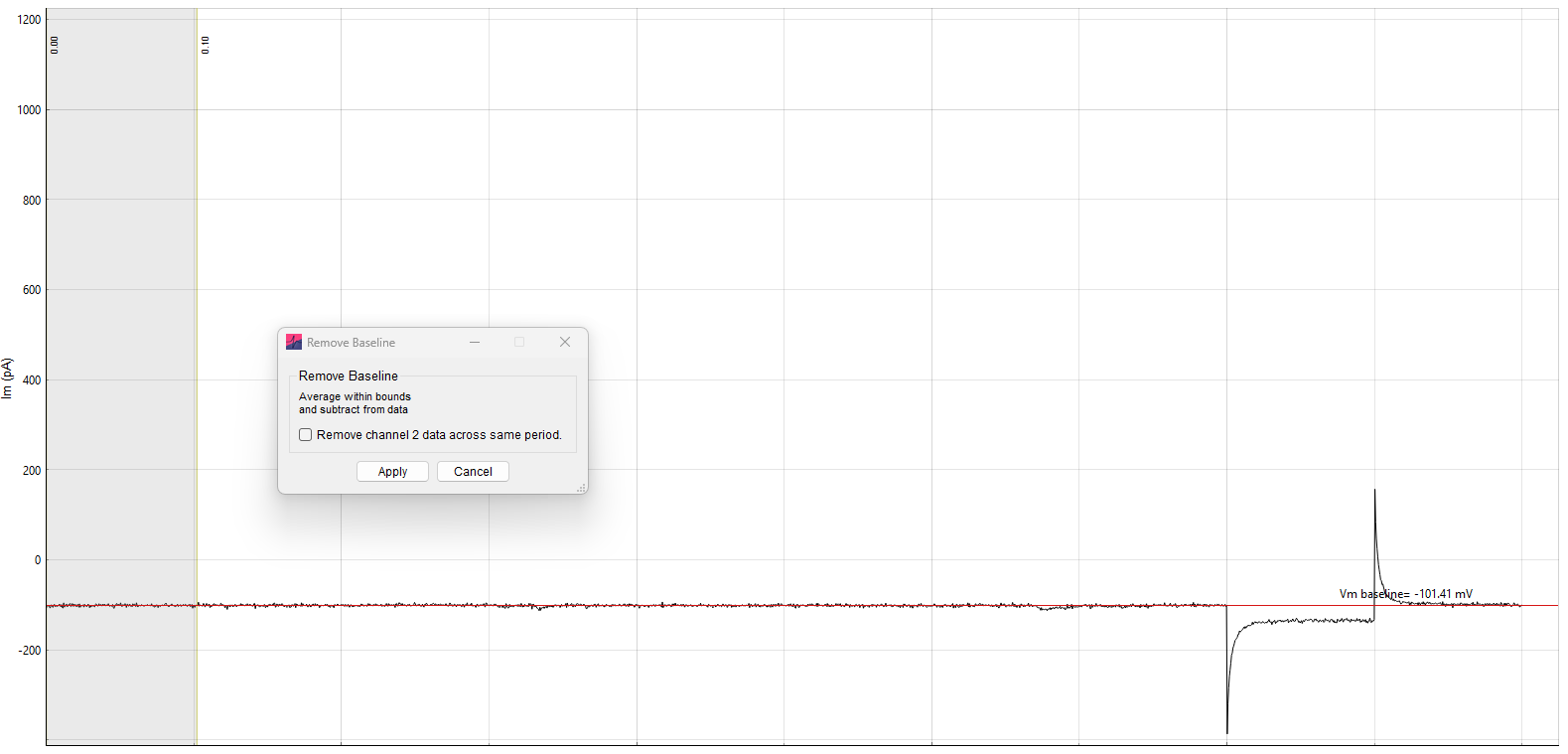
Removing the baseline is accomplished by subtracting a baseline value from the data. The baseline is calculated as the average within a specified time window (indicated by the period within the boundary region that appears on screen).
Clicking Apply will apply baseline removal for every record in the file. For each record, the baseline is calculated and subtracted separately.
If your file has two channels (i.e. \(V_\mathrm{m}\) and \(I_\mathrm{m}\)) and the bottom checkbox is clicked, it will also calculate and remove the baseline from the second data channel (across the time window specified on the primary data channel).