Exporting plots
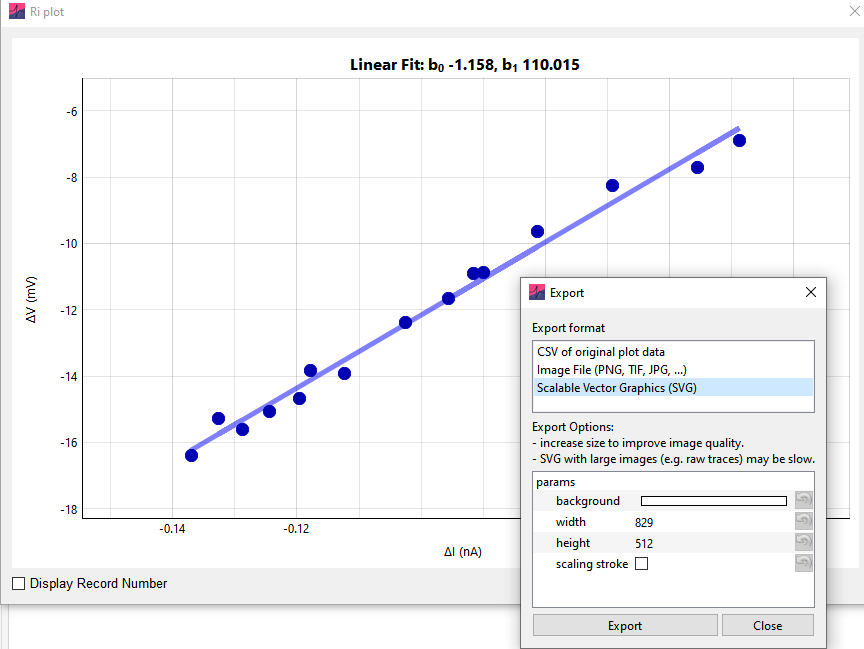
All figures in Easy Electrophysiology are exportable, by right-clicking the plot and selecting the Export option. This window provides the option to export the plot data as a .csv (comma-separated value file), many possible standard image formats (including .jpeg, .png, .tiff, .bmp and more), or as .svg (scalable vector graphics) format.
The larger the width and height of the exported image, the better its quality will be. The high-quality and editable .svg format is suitable for small data plots, such as the Ri plot, but not raw data plots displayed on the main plot because the resulting files will be very large and take a long time to save.